
See how shoppers save a design online
What your customers see when they save a ring on your website, and how it becomes your lead.
Shown on a sample retailer website (“Your Brand”). On your site it uses your store’s colors and fonts.
1. The shopper taps Save Your Design
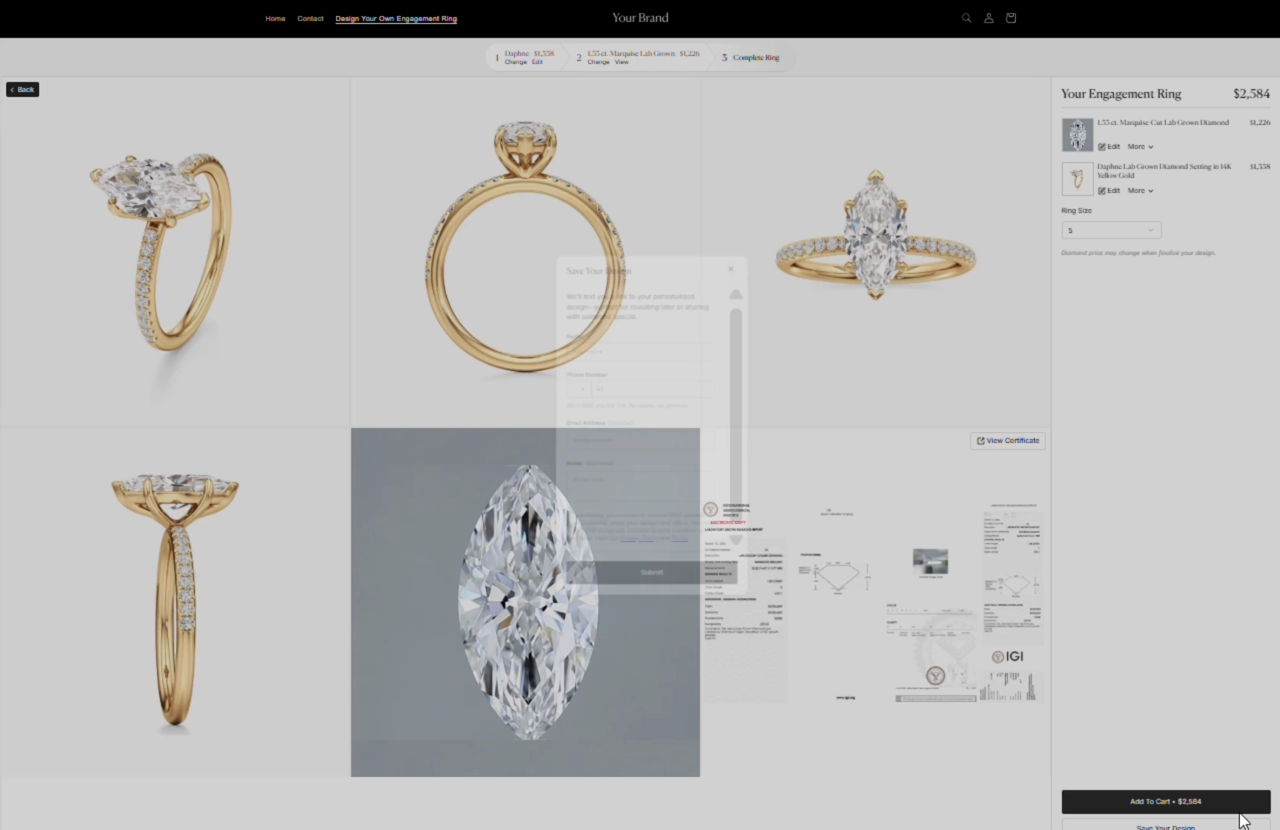
Section titled “1. The shopper taps Save Your Design”On the summary of their engagement ring, next to the button for buying online, the shopper taps Save Your Design.
2. They enter their name and mobile number
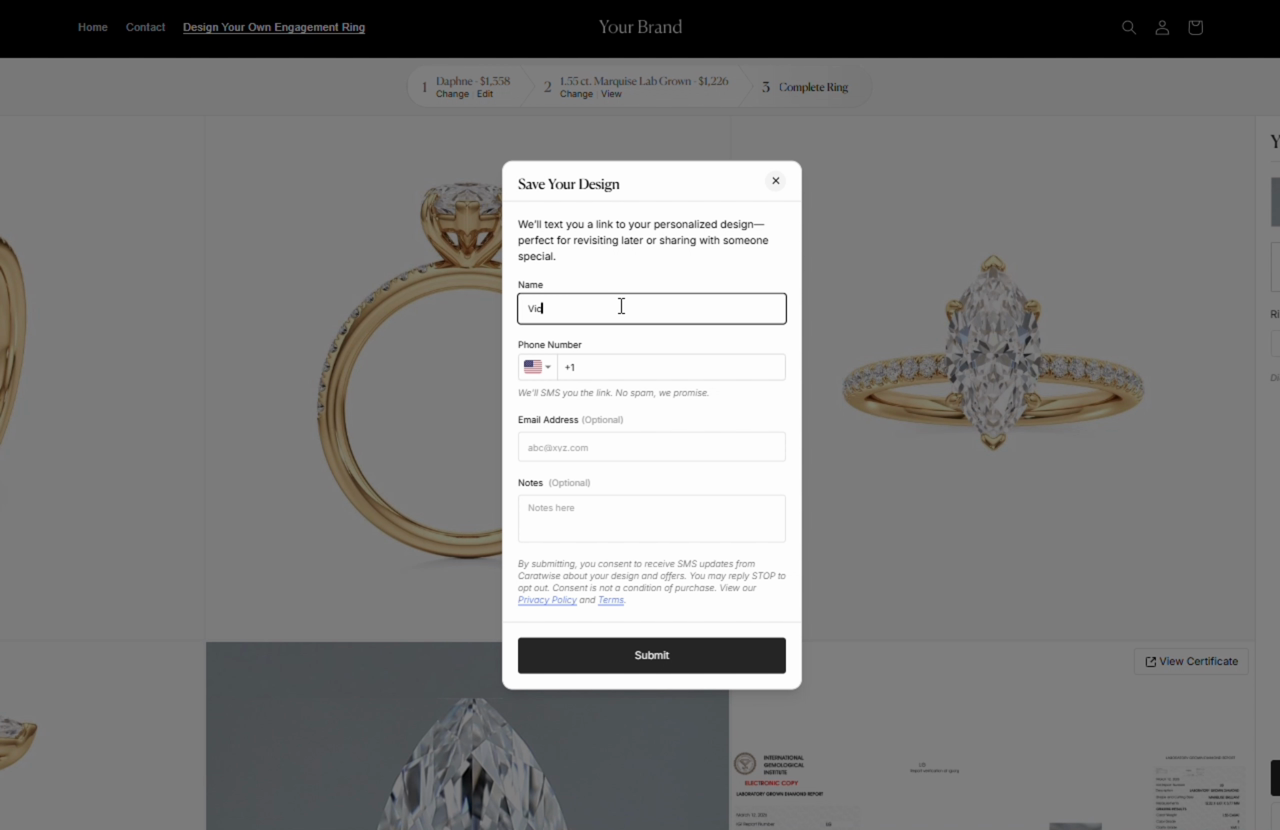
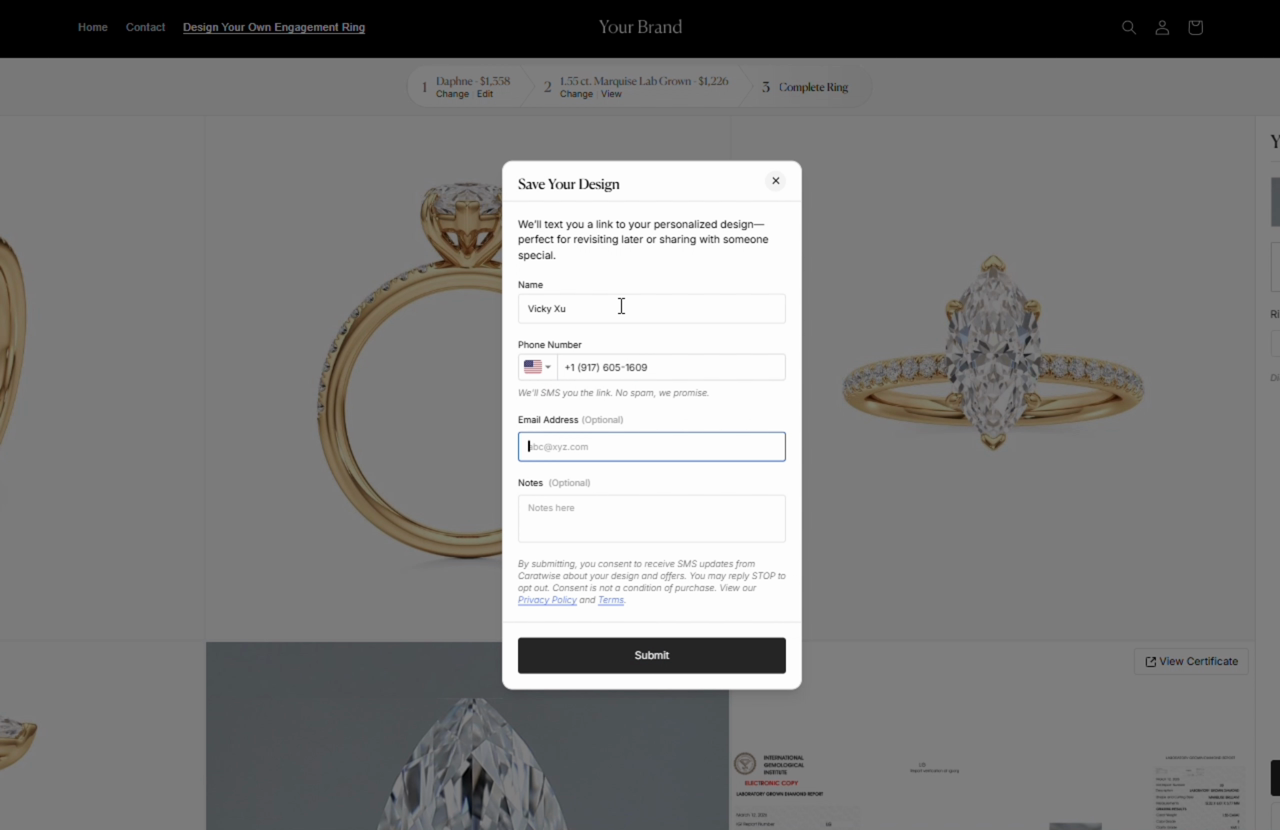
Section titled “2. They enter their name and mobile number”The form asks for name and phone number. Email address and notes are optional. It explains that Caratwise will text them a link to their design.
3. They confirm with a code
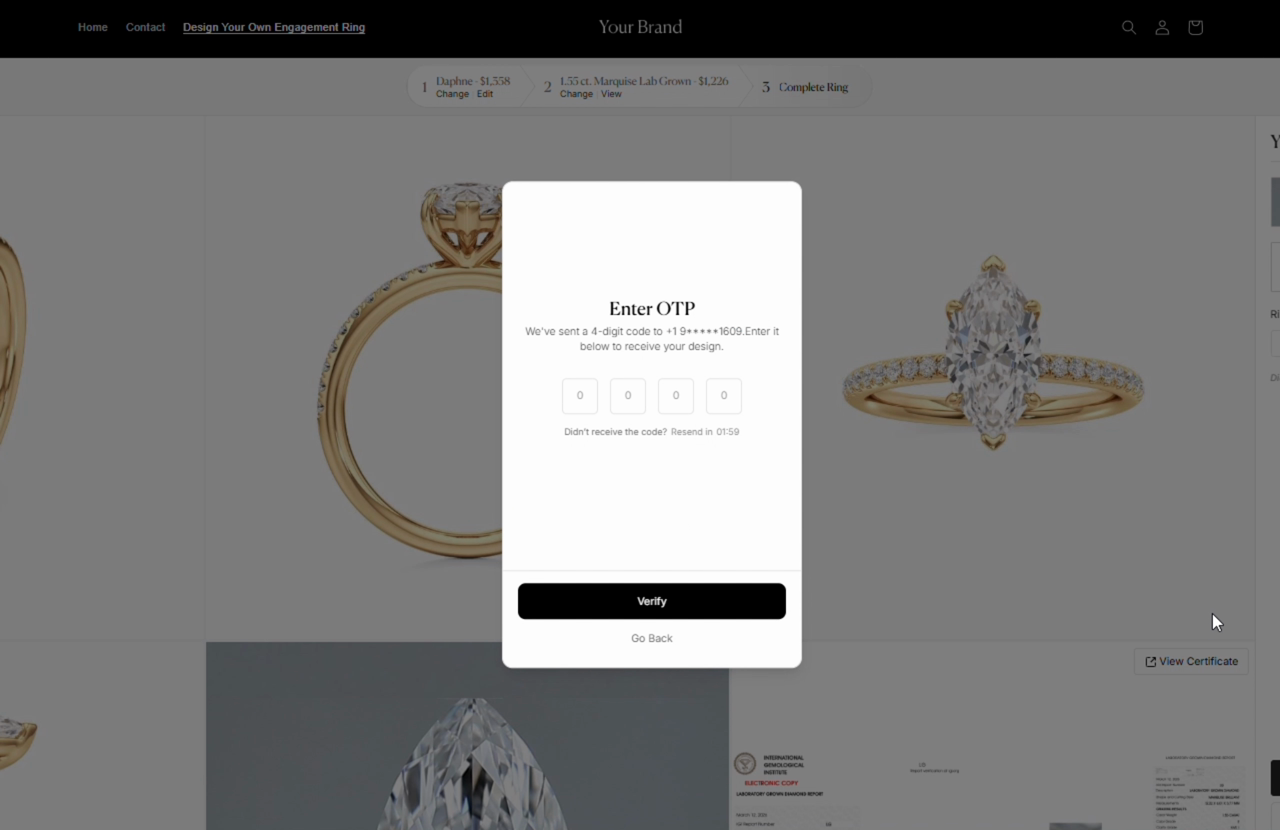
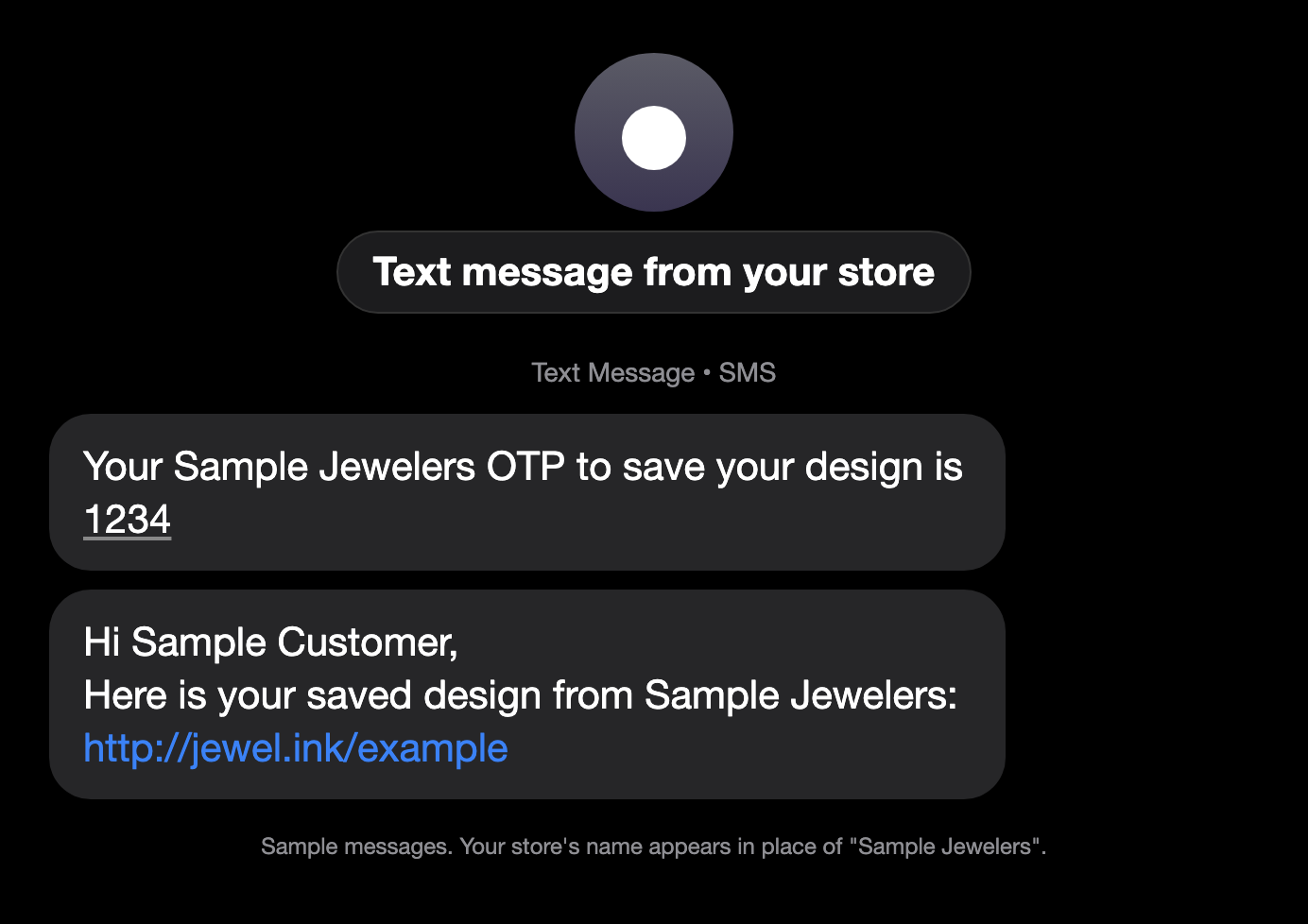
Section titled “3. They confirm with a code”They tap Submit, get a 4-digit code by text, enter it and tap Verify. This confirms the number is real, so your leads are reachable.
4. Their design is saved
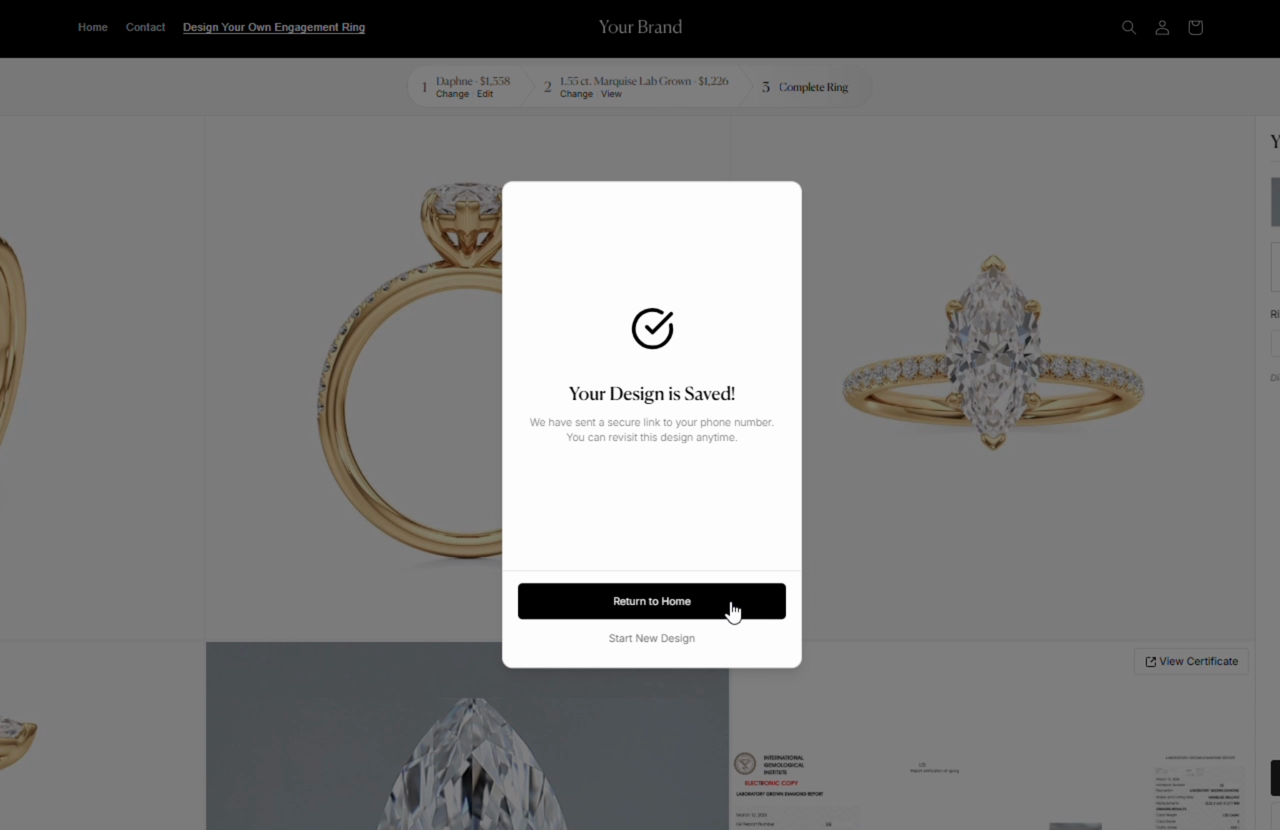
Section titled “4. Their design is saved”They see Your Design is Saved! and get a secure link by text to come back anytime.
Both texts come from your store’s name: the first carries the code, the second the link.
5. Your store gets the lead
Section titled “5. Your store gets the lead”At the same moment, your store’s designated contact gets a New lead captured email with the design ID and the shopper’s details. Call quickly, book an appointment, and open the same design in the store. See Follow up on a website lead and Pick up a saved design.
Questions? Email info@caratwise.com