
Help
All features
Short videos on one feature of the in-store app at a time, each under a minute or two.
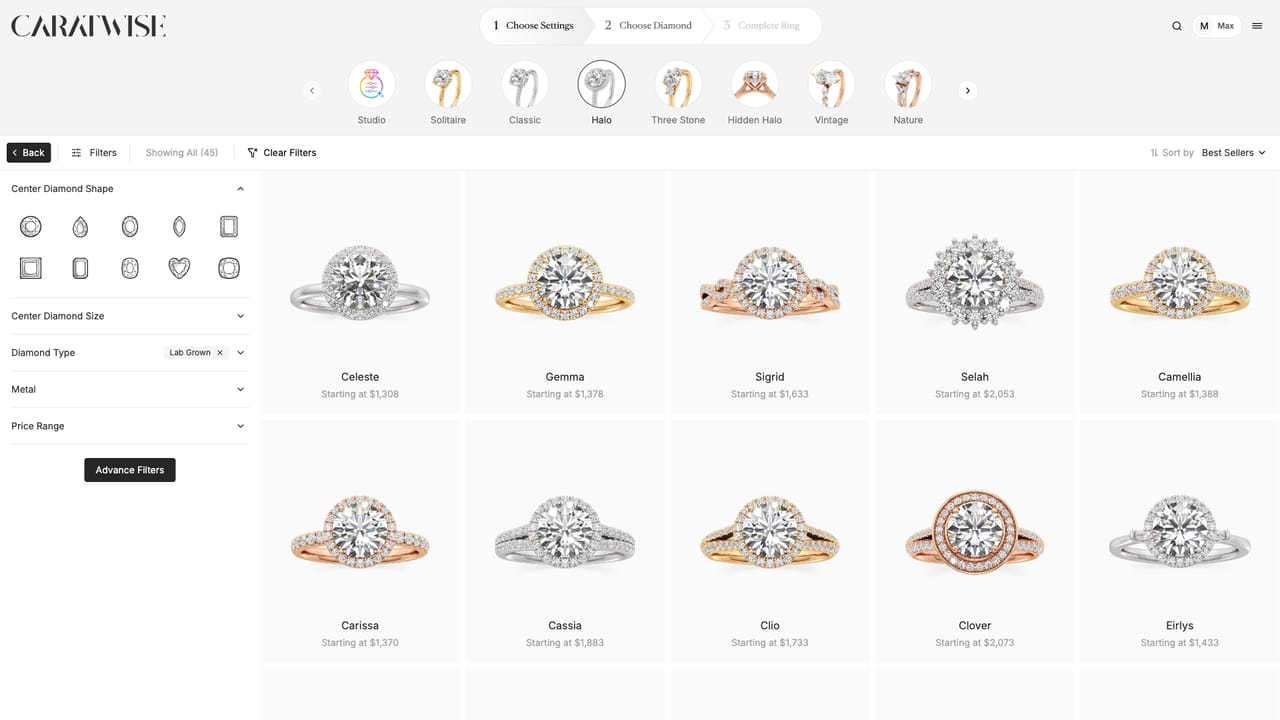 01Use quick filtersNarrow the setting gallery by ring style, shape, metal and more.
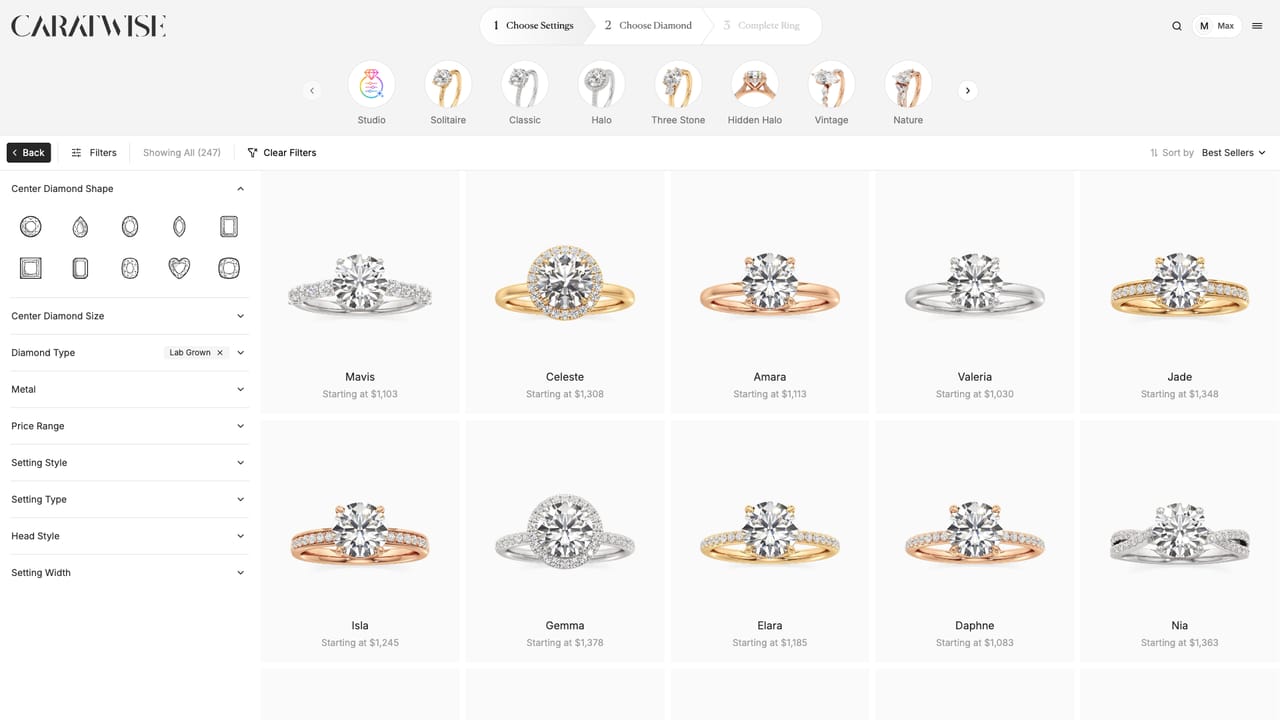 02Use advanced filtersFilter settings by setting style, setting type, head style and band width.
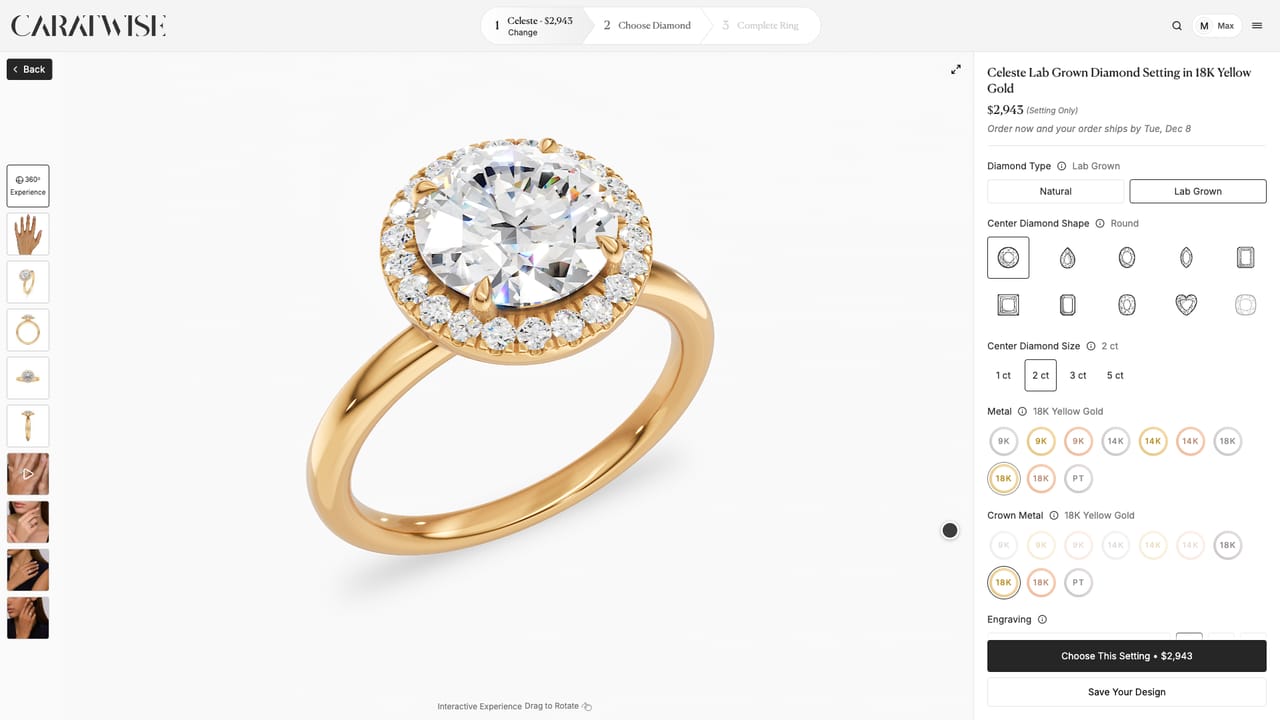 03Change the band and headChoose the band and head metals separately, and change their styles.
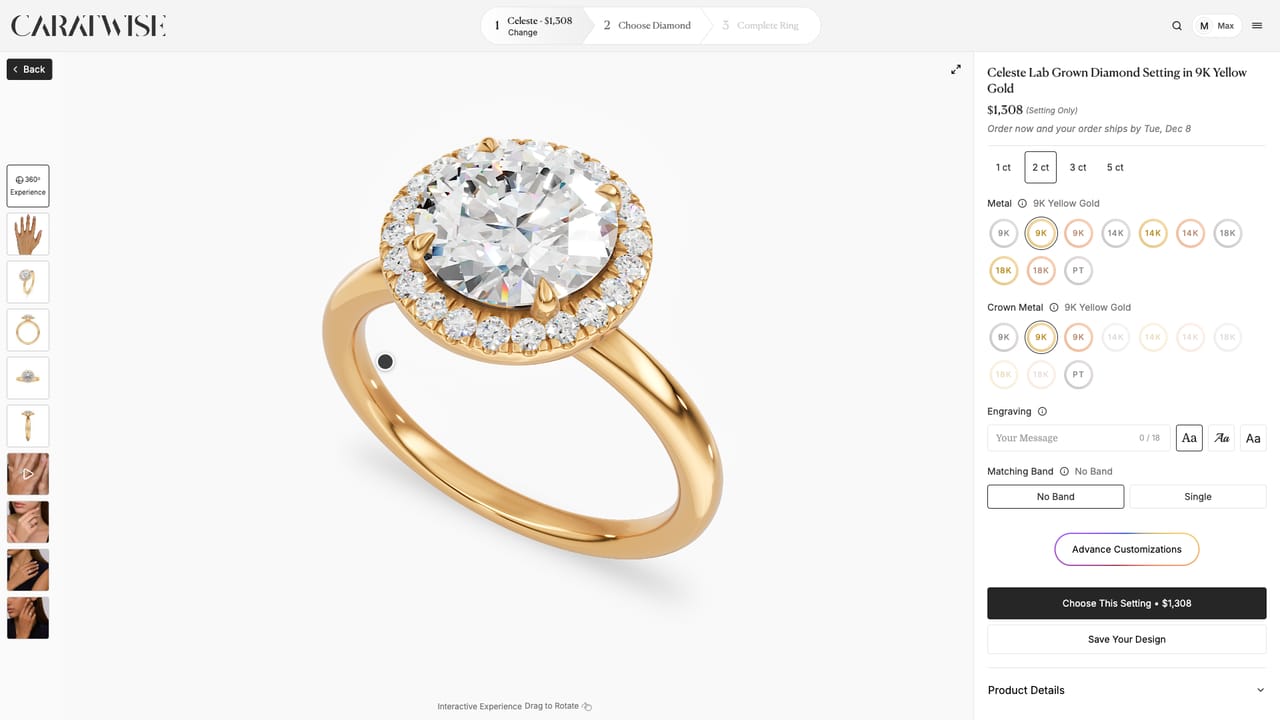 04Show the 360 view and on-model photosTurn the ring in 360 and show it on a model, in photos and video.
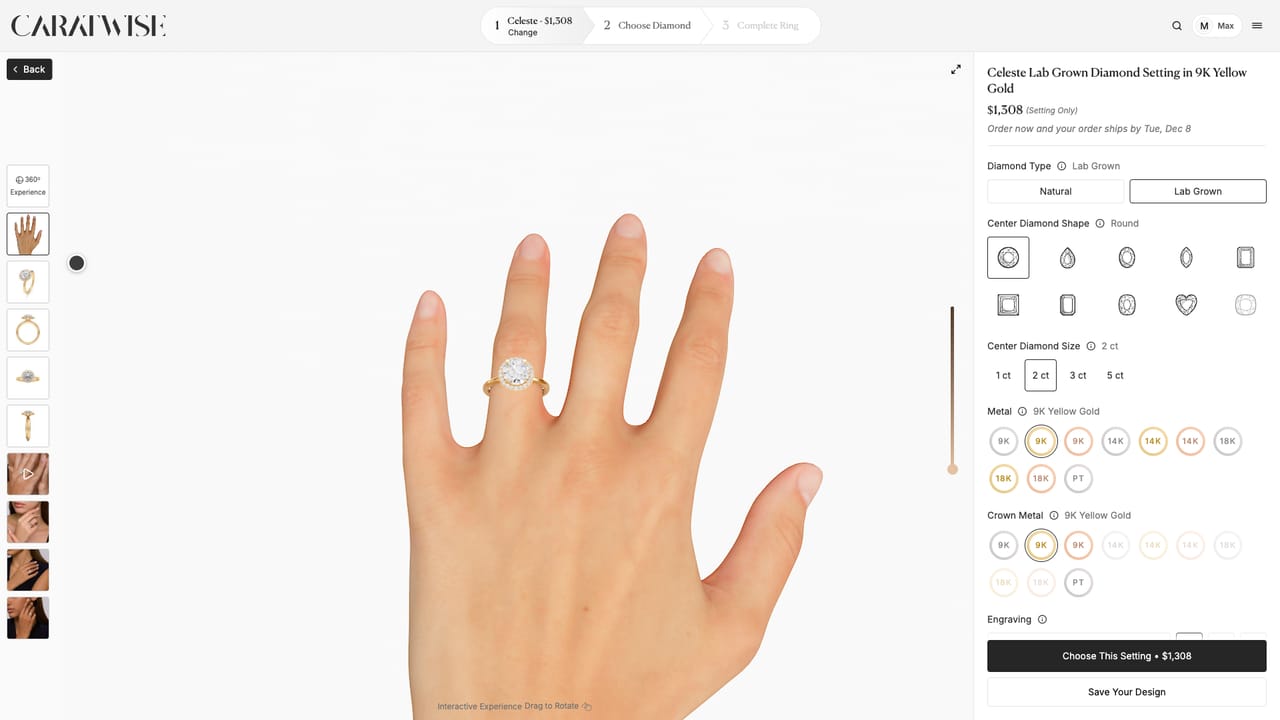 05Show the ring on a handSee the ring on a hand in 360, and match your customer's skin tone.
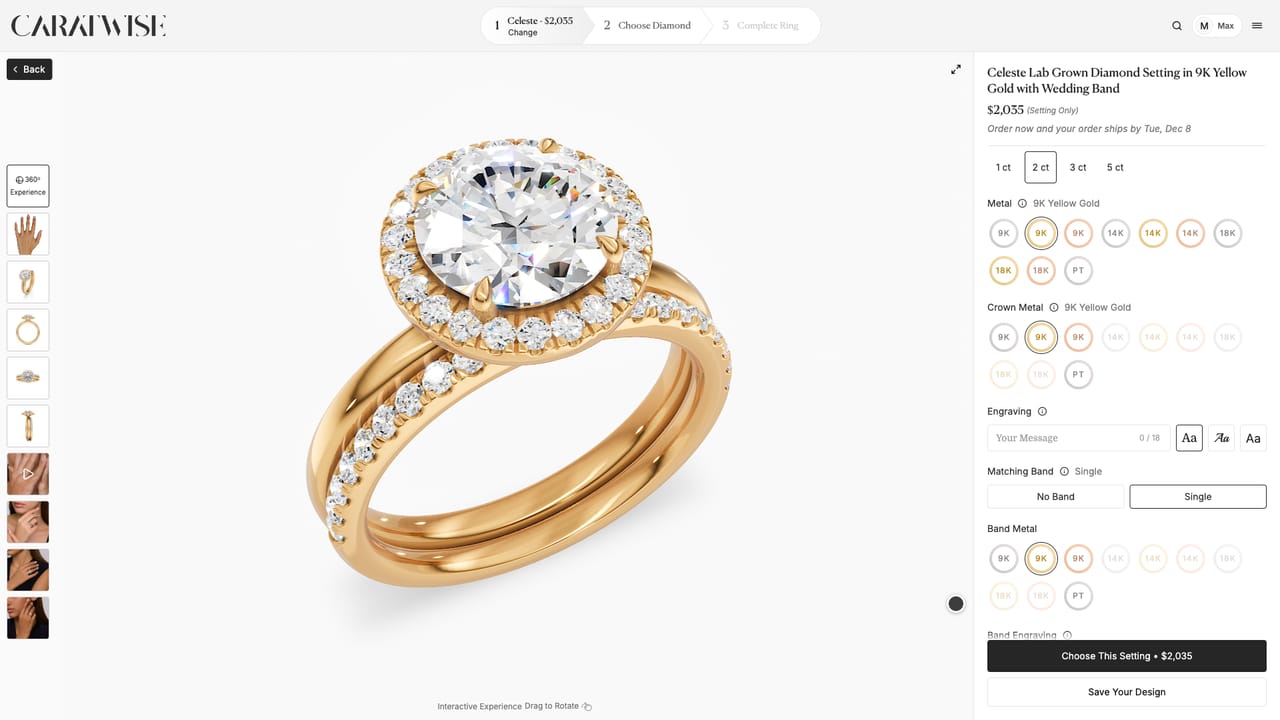 06Add a matching bandAdd a band that sits flush with the ring.
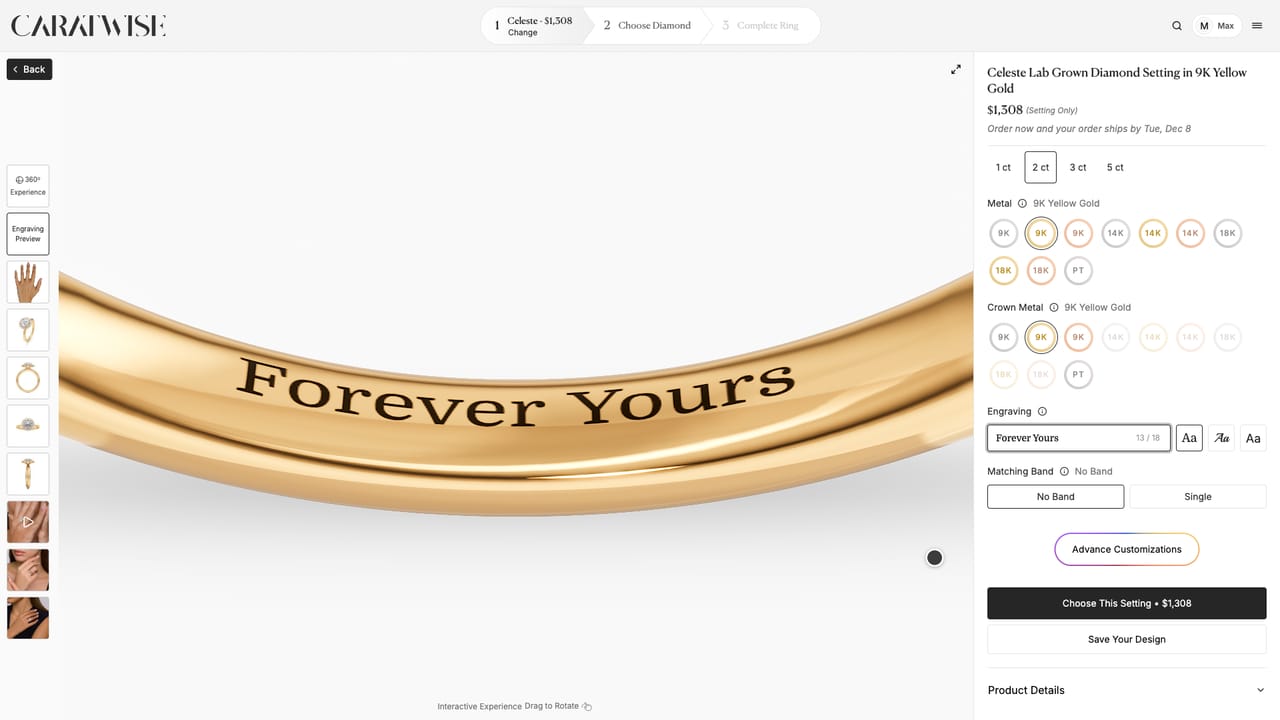 07Add an engravingAdd a message of up to 18 characters in one of three fonts.
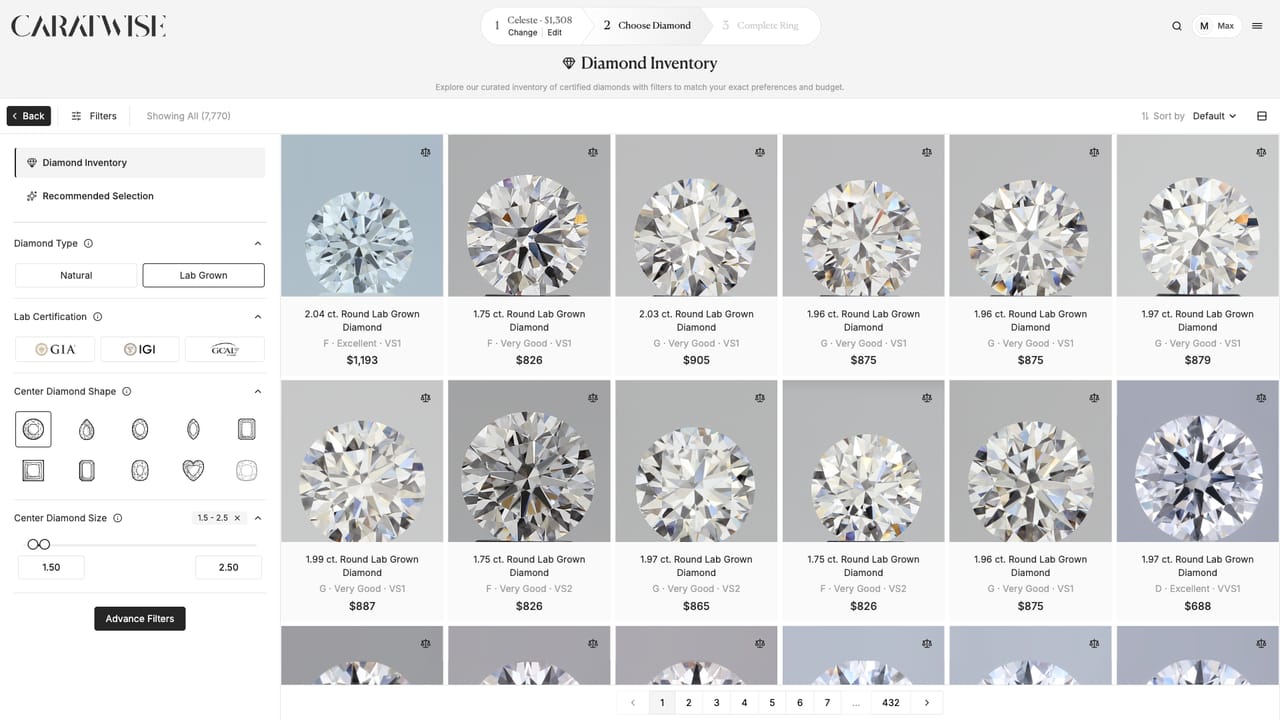 08Filter diamondsNarrow the diamond inventory by lab, shape, size, price and more.
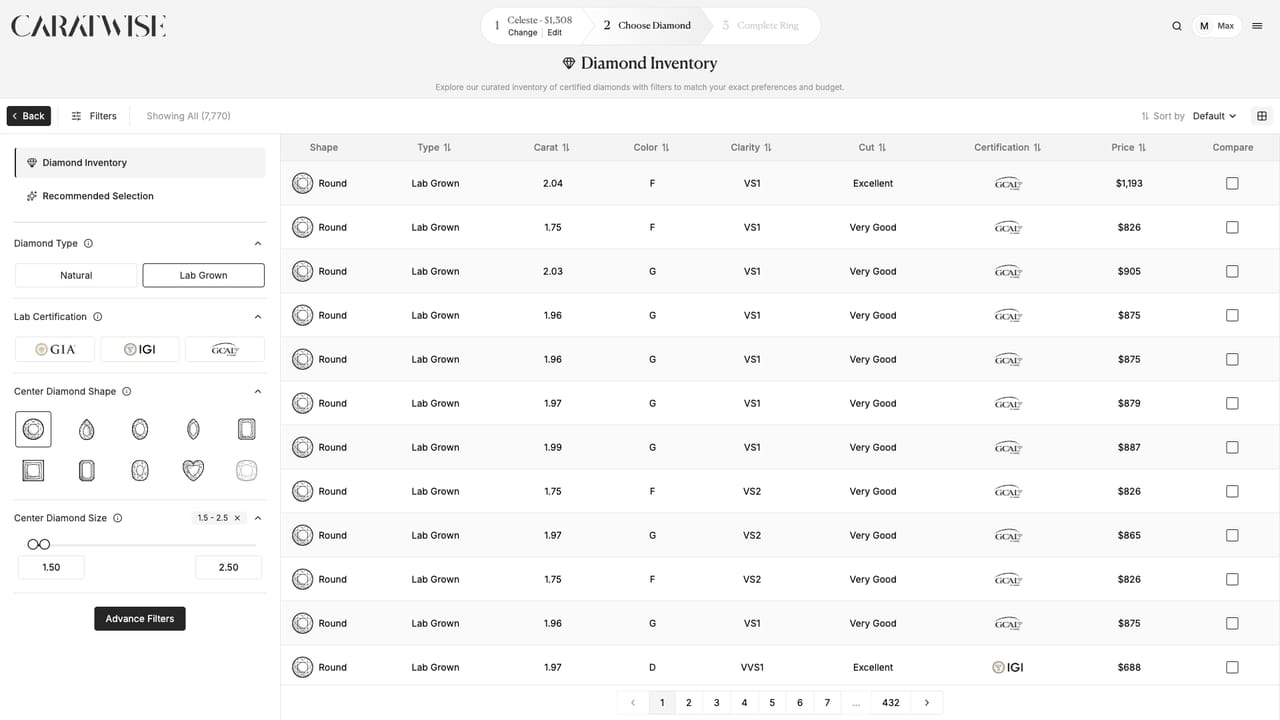 09Switch between grid and listSwitch between pictures and a sortable list of diamonds.
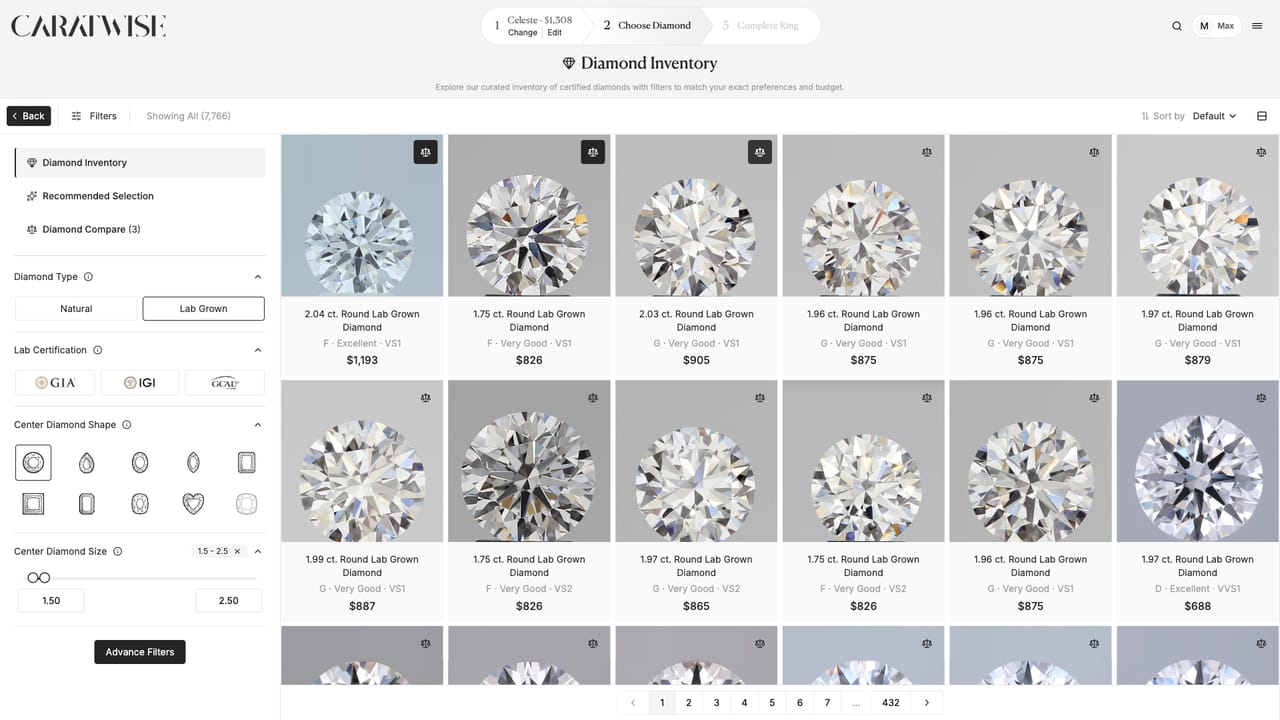 10Compare diamondsPut your customer's favorite diamonds side by side.
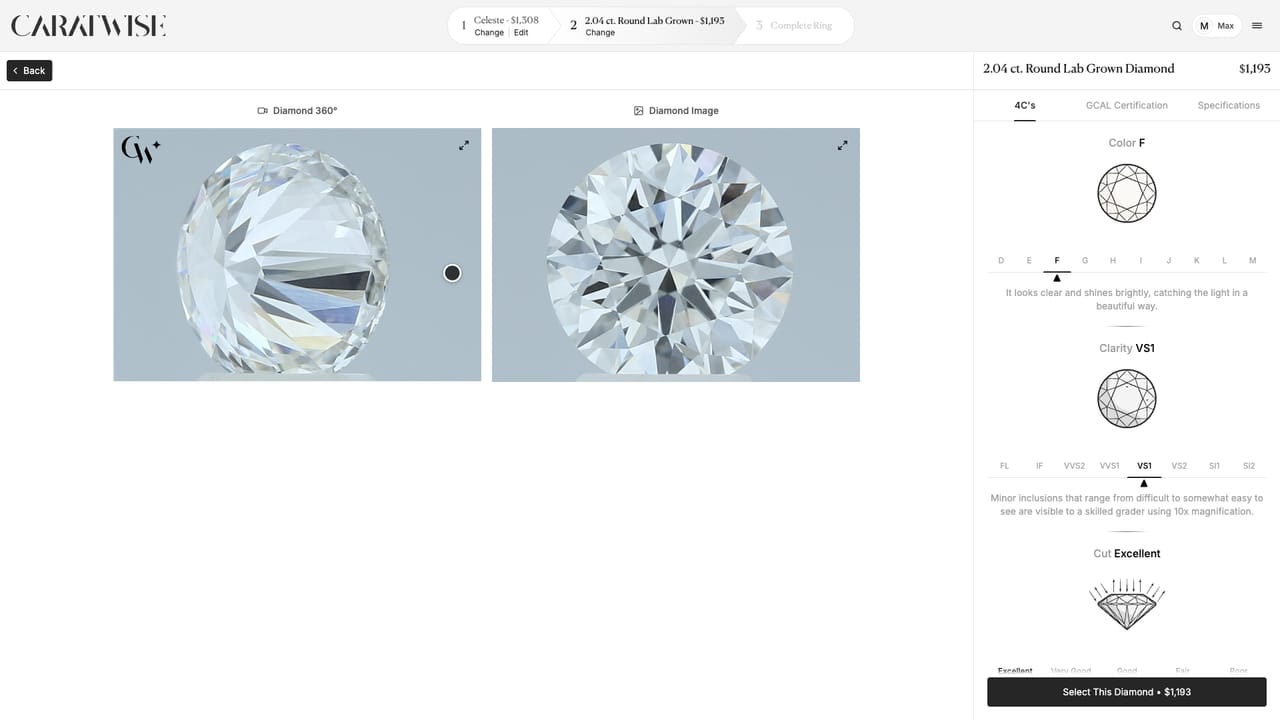 11Explain a diamond's detailsThe 4C's, the stone's video and photo, and its specifications in 3D.
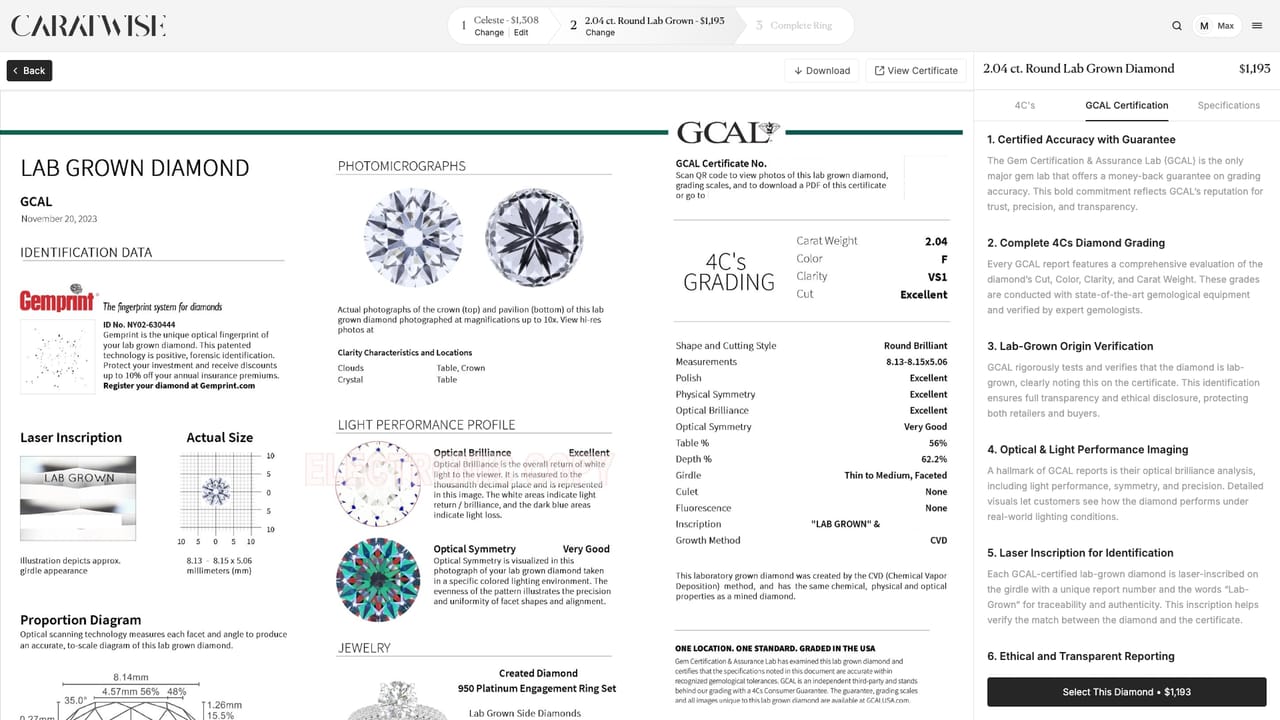 12Read a diamond's certificateShow your customer the lab's grading report on the Certification tab.
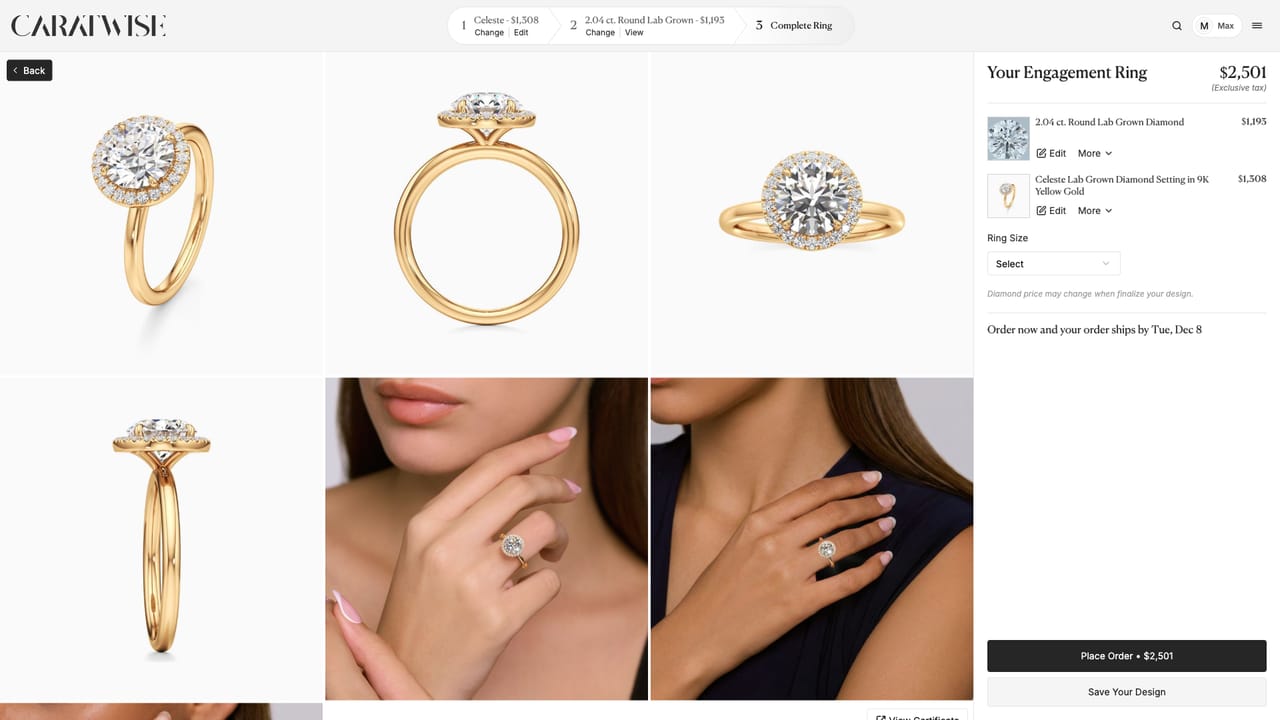 13Review the ring and choose a sizeCheck every choice in one place, then pick the ring size.
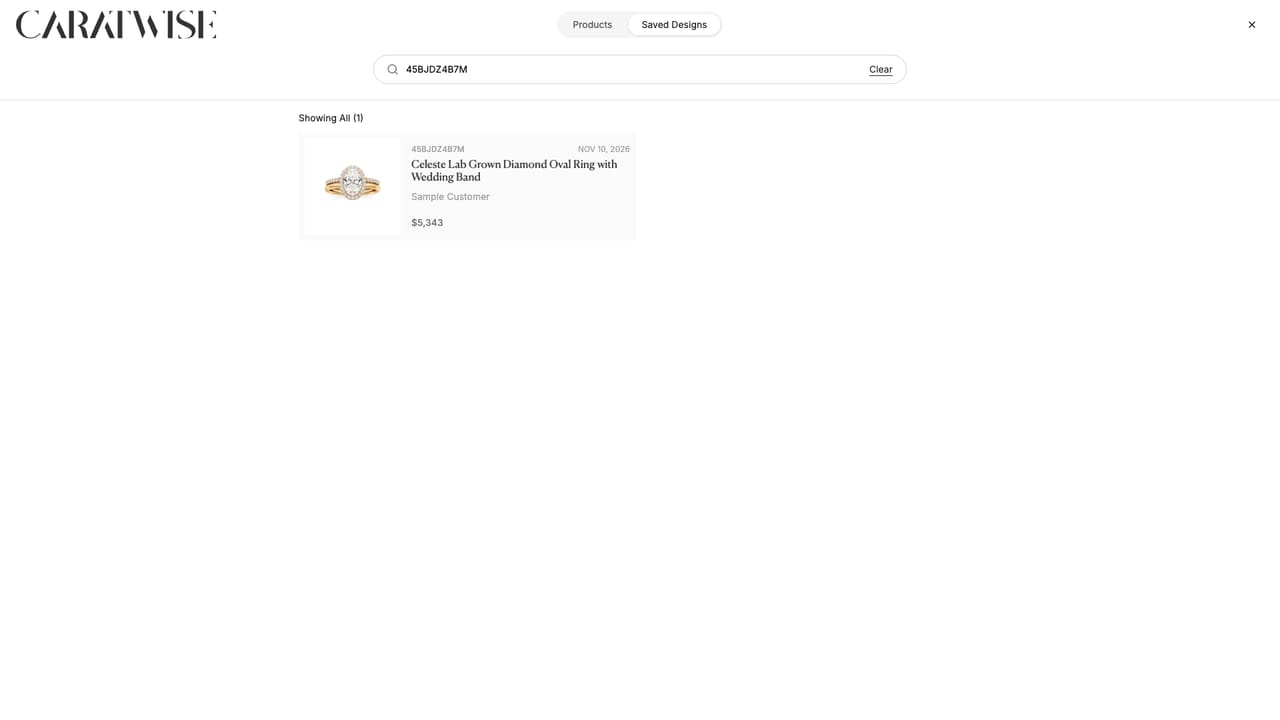 14Find a saved designSearch saved designs by customer name or design ID.
Questions? Email info@caratwise.com